Why Accurate Digital Documentation Matters More Than Ever?
The AEC industry has changed its expectations quietly, but firmly. Clients no longer settle for drawings that mostly match the site. Contractors don’t want surprises hiding behind walls. And design teams? They want confidence before they commit to decisions that cost time and money.
That’s where Scan to BIM Revit services step in. Not as a flashy add-on, but as a practical response to growing complexity in both renovation and new construction projects. Yet here’s the thing, while the technology may look similar on paper, how it’s applied varies a lot depending on whether you’re working with an existing structure or starting from scratch.
Let me explain.
Overview of Scan to BIM Revit Services
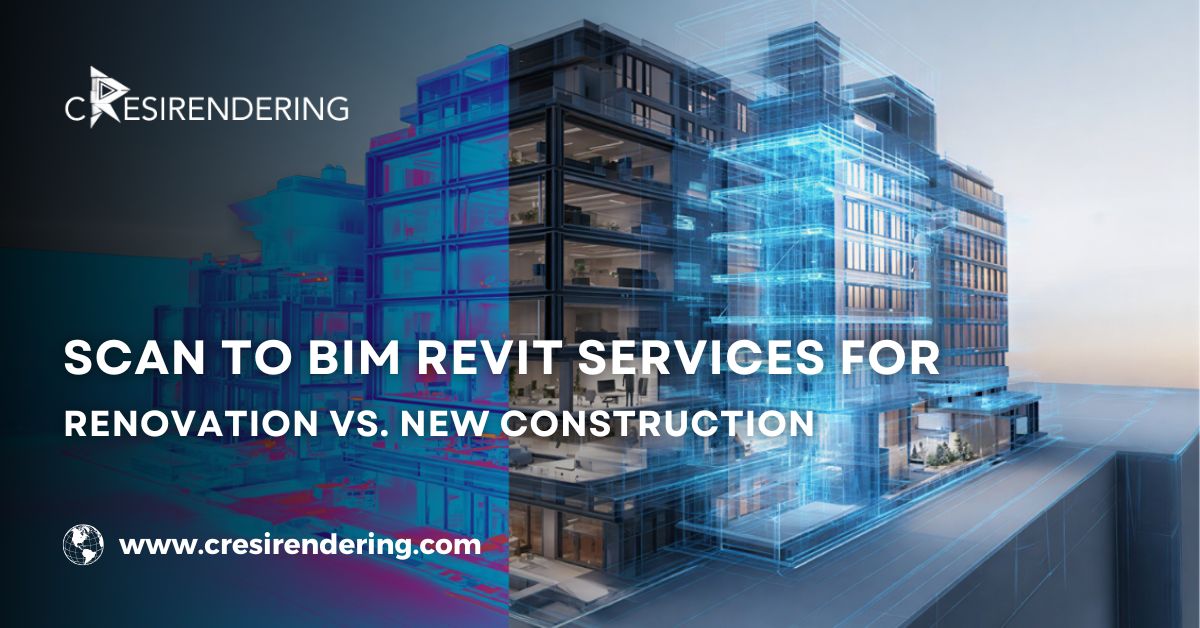
At its core, Scan to BIM Revit services convert real-world site data into accurate, usable BIM models. But the intent behind the model—what it needs to answer—differs between renovation and new construction.
Renovation projects lean heavily on reality. New construction leans on planning. Both need BIM, just not in the same way.
What Are Scan to BIM Revit Services?
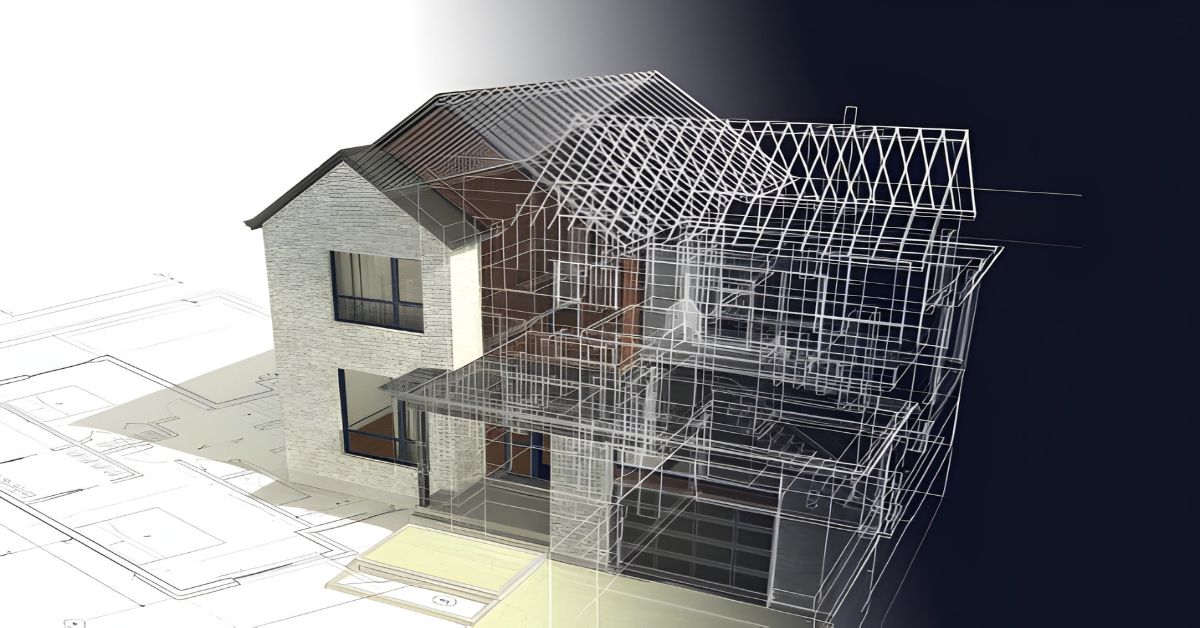
Scan to BIM Revit services involve capturing physical spaces using laser scanners and converting that data into intelligent Revit models. These models don’t just show geometry; they carry information such as dimensions, levels, systems, and spatial relationships that teams can rely on.
The Role of Laser Scanning and Point Cloud Data
Laser scanners capture millions of data points, forming what we call a point cloud. This point cloud becomes the digital footprint of the site. When processed carefully, it provides a level of accuracy that manual surveys simply can’t match, especially in complex or aged buildings.
This process is often referred to as Scan to BIM, Point Cloud to BIM, or 3D Scan to BIM that are different names, same goal: trustable digital reality.
Scan to BIM Revit Services for Renovation Projects
Renovation work is rarely predictable. Old drawings don’t match site conditions. Walls aren’t where you expect them to be. Services run through places no one has documented properly. Honestly, renovation is where assumptions go to fail.
Capturing Existing Conditions with Laser Scanning
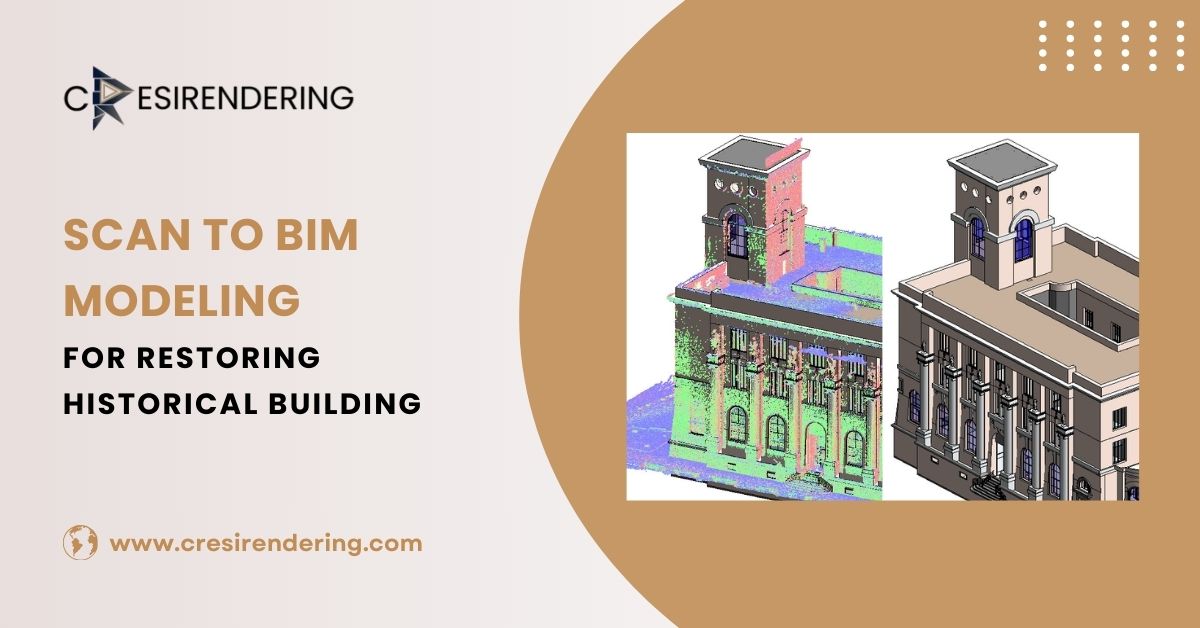
Accurate as-built data is the backbone of any renovation project. Laser scanning captures the truth of the slopes, offsets, deformations, and all those quirks that develop over time.
This drastically reduces site uncertainties. Teams stop guessing. Decisions are made based on what actually exists, not what a 15-year-old drawing suggests.
Converting Point Clouds into Revit Models
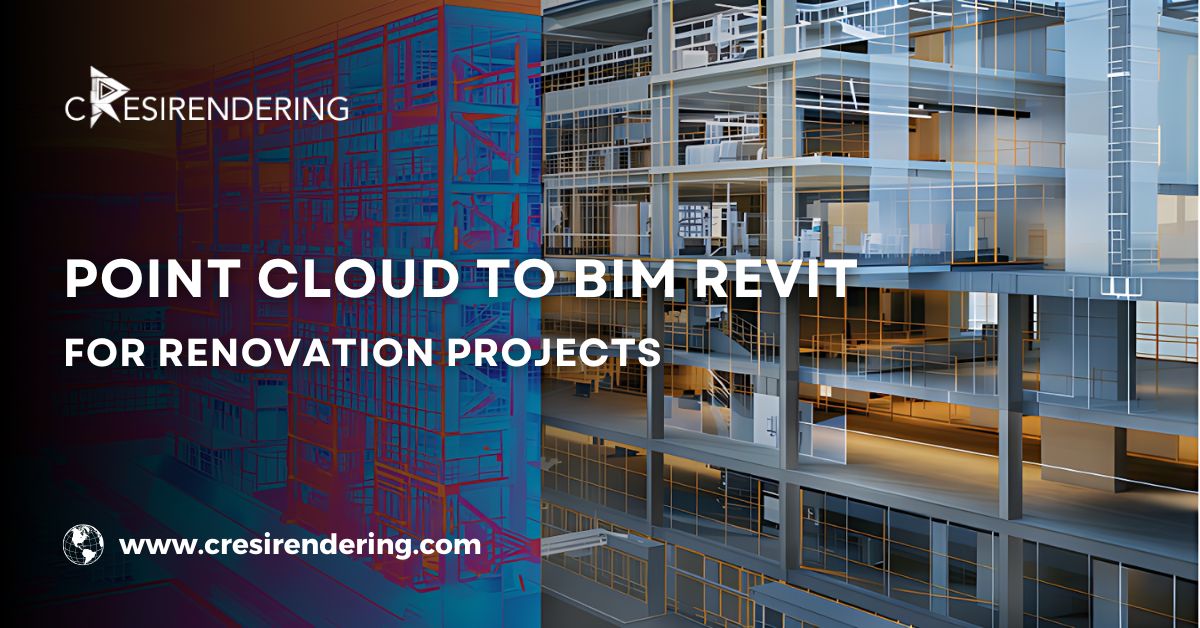
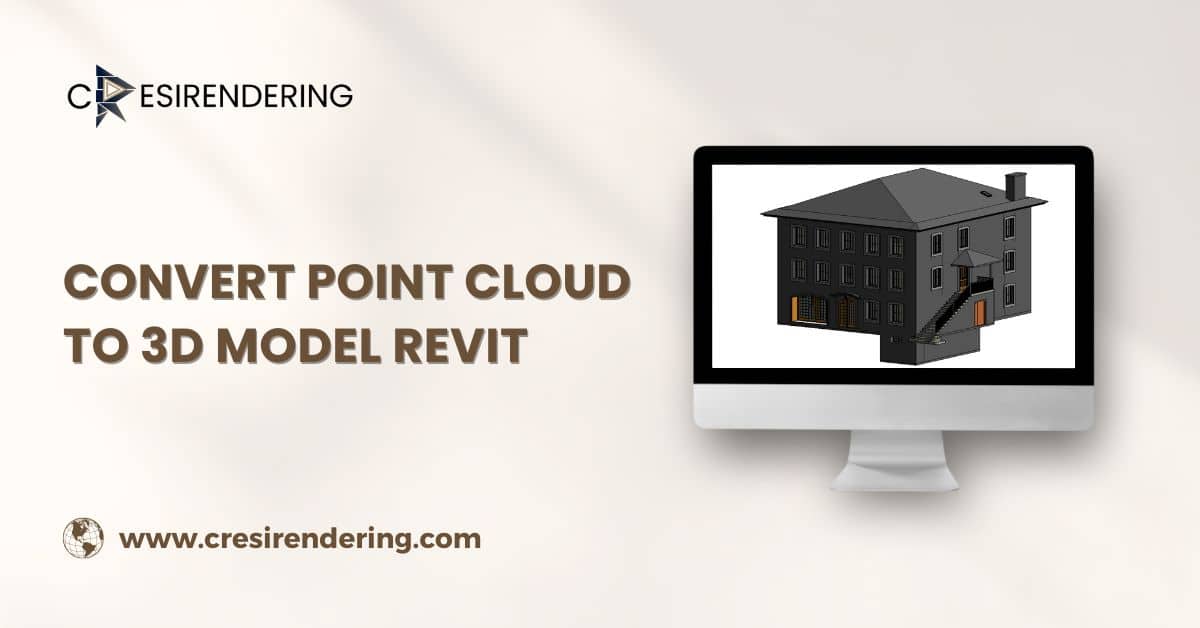
Once scanned, point clouds are converted into as-built Revit models. These models typically include architectural elements, structural systems, and MEP components based on the required scope.
Coordination becomes far more controlled. Designers, engineers, and contractors are finally working from the same digital reference.
The Role of Scan to CAD in Renovation Projects
Not every renovation project is BIM-ready and that’s okay.
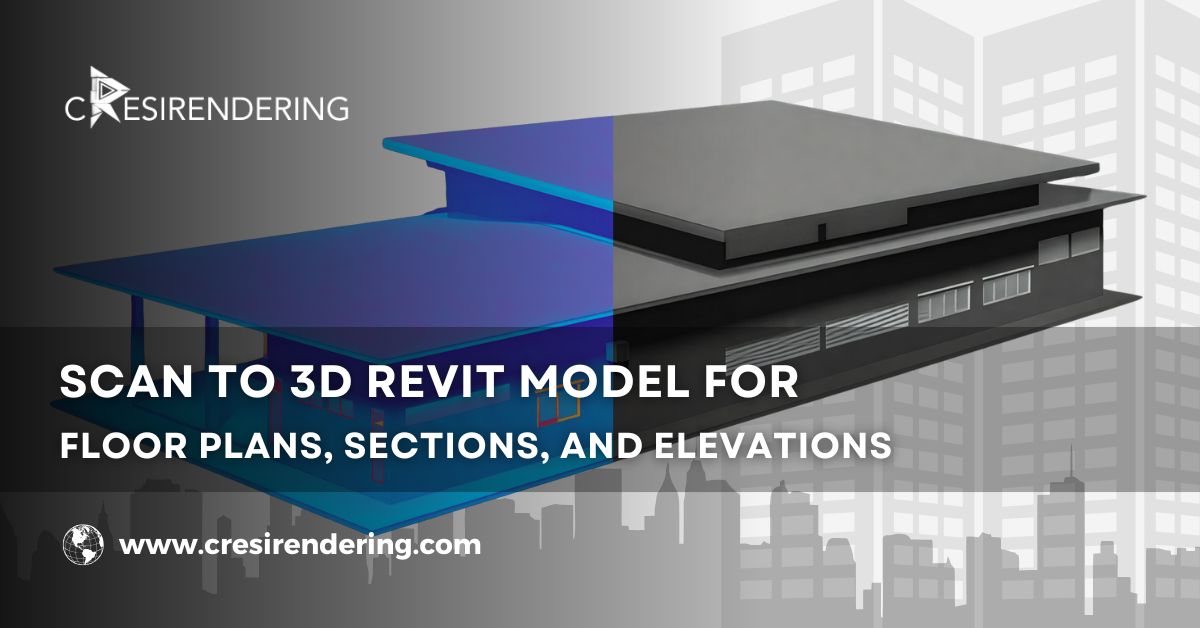
Many clients still need 2D CAD drawings for approvals, tendering, or legacy workflows. Scan to CAD services extract accurate plans, elevations, and sections directly from point clouds, ensuring consistency between 2D and 3D outputs.
Key Benefits of Scan to BIM for Renovation
- Reduced rework and fewer site clashes
- Faster approvals due to reliable documentation
- Strong foundation for retrofits, restorations, and expansions
Renovation becomes less reactive and more controlled and that’s saying something.
Scan to BIM Revit Services for New Construction
New construction may start with a blank site, but that doesn’t mean scanning is irrelevant. In fact, it plays a quiet yet important role early on.
BIM as the Starting Point for Design
For most new construction projects, BIM isn’t something added later, it is where everything begins. Revit models become the shared reference point for design discussions, coordination meetings, and early decision-making. Instead of juggling multiple drawing sets, teams work from a single, evolving model that reflects the project as it takes shape.
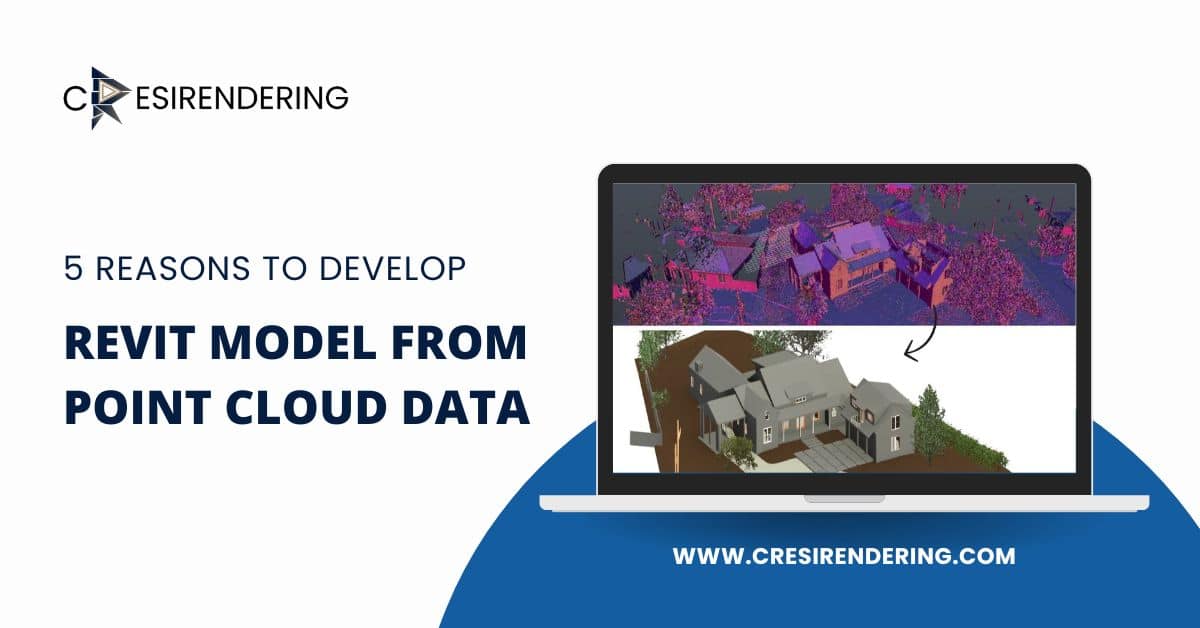
When site scans are brought in early, covering terrain, nearby buildings, or existing utilities- they add an important layer of realism. Even before excavation starts, designers can see how the proposed building actually sits within its surroundings. That context often prevents small design assumptions from turning into big site issues later.
How BIM Modeling Services Fit into New Construction
Scan to BIM data works best when it flows directly into professional BIM modeling services. Architectural, structural, and MEP teams can start coordinating from day one, rather than fixing conflicts after designs are already developed.
This early coordination also supports more advanced workflows. Construction sequencing, timelines, and cost inputs can be reviewed much sooner, giving project teams clearer visibility compared to traditional drawing-based processes. Fewer surprises, fewer late changes—that’s the real win.
Where PDF to CAD Conversion Services Still Matter
Even in new construction, not everything arrives in a neat BIM format. Consultants often share drawings as PDFs, and older reference documents still find their way into early design stages.
PDF to CAD conversion services help clean up this information and turn it into editable base drawings before BIM modeling moves forward. It’s quiet, behind-the-scenes work—but skipping it usually leads to misalignments, redraws, or coordination gaps that show up when time is already tight.
Benefits of Scan to BIM for New Construction Projects
When applied thoughtfully, Scan to BIM Revit services offer clear advantages for new builds:
- More accurate site and context models
- Better constructability reviews during design stages
- Stronger coordination between architectural, structural, and MEP teams
Even when a project is brand new, grounding the design in real-world data makes a noticeable difference. New construction still benefits from reality checks—and that’s exactly what Scan to BIM provides.
Renovation vs. New Construction – Key Differences
| Aspect | Renovation Projects | New Construction Projects |
| Existing Conditions | Captured via laser scanning | Minimal or none |
| Scan to BIM Usage | As-built modeling | Site context & verification |
| Scan to CAD | Frequently required | Limited use |
| PDF to CAD Conversion | Common for legacy data | Used for reference drawings |
| BIM Modeling Services | As-built & coordination | Design-to-construction BIM |
How Scan to BIM Revit Services Work with Other Conversion Services
Scan to BIM + Scan to CAD
Many projects require both 3D BIM models and 2D CAD drawings. Delivering both from the same scan data keeps everything aligned—no contradictions, no confusion.
Scan to BIM + PDF to CAD Conversion Services
Incomplete or outdated documentation is common, especially in older assets. Combining scan data with converted PDFs fills gaps and creates a more complete project baseline.
Scan to BIM + BIM Modeling Services
This combination produces intelligent, data-rich models that support not just design and construction, but also operations and facility management later on.
Choosing the Right Scan to BIM Revit Services Approach
Not every project needs the same level of detail. Choosing the right approach depends on project type, scope, accuracy requirements, and LOD expectations.
Equally important? Working with experienced service providers who understand BIM standards, coordination workflows, and real-world construction challenges, not just software tools.
Conclusion: Matching the Method to the Mission
Renovation and new construction demand different strategies, even when using the same technology. Renovation leans on Scan to BIM for truth and verification. New construction uses it for context and coordination.
When Scan to BIM Revit services are combined with Scan to CAD, PDF to AutoCAD services, and professional BIM modeling services, projects move forward with fewer assumptions and better outcomes.
If accuracy, reliability, and coordination matter and they usually do- partnering with professionals who understand these workflows isn’t optional. It’s fundamental.