Introduction
Renovation projects have a funny way of humbling you. On paper, everything looks neat. Straight walls. Clean grids. Clear dimensions. Then you walk into the building and realise… yeah, not quite.
Walls lean. Floors dip. Beams sit where no drawing ever showed them. And suddenly the team’s asking, “What’s really there?”
That’s where Point Cloud to BIM Revit comes in. Not as some flashy tech trend, but as a practical way to stop guessing and start working with facts.
If you’ve ever dealt with old drawings that don’t match site conditions, you already know why this matters.
Why Point Cloud to BIM Makes Sense for Renovation
Here’s the thing about renovation. You’re not building from scratch. You’re stepping into someone else’s decisions made 20, 30, sometimes 60 years ago.
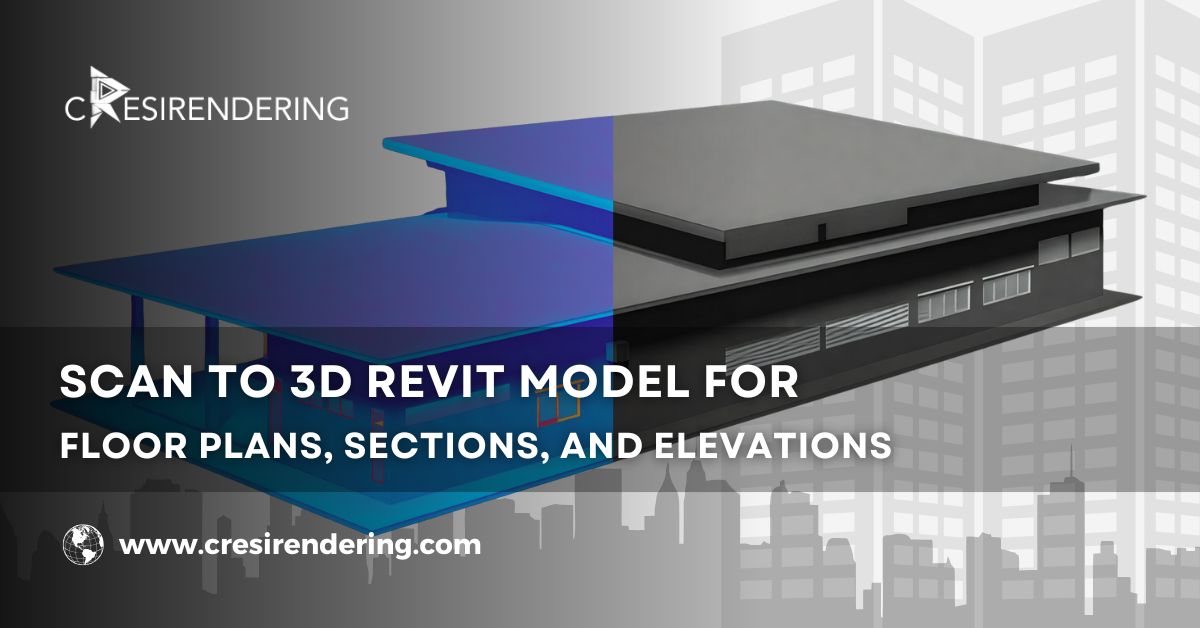
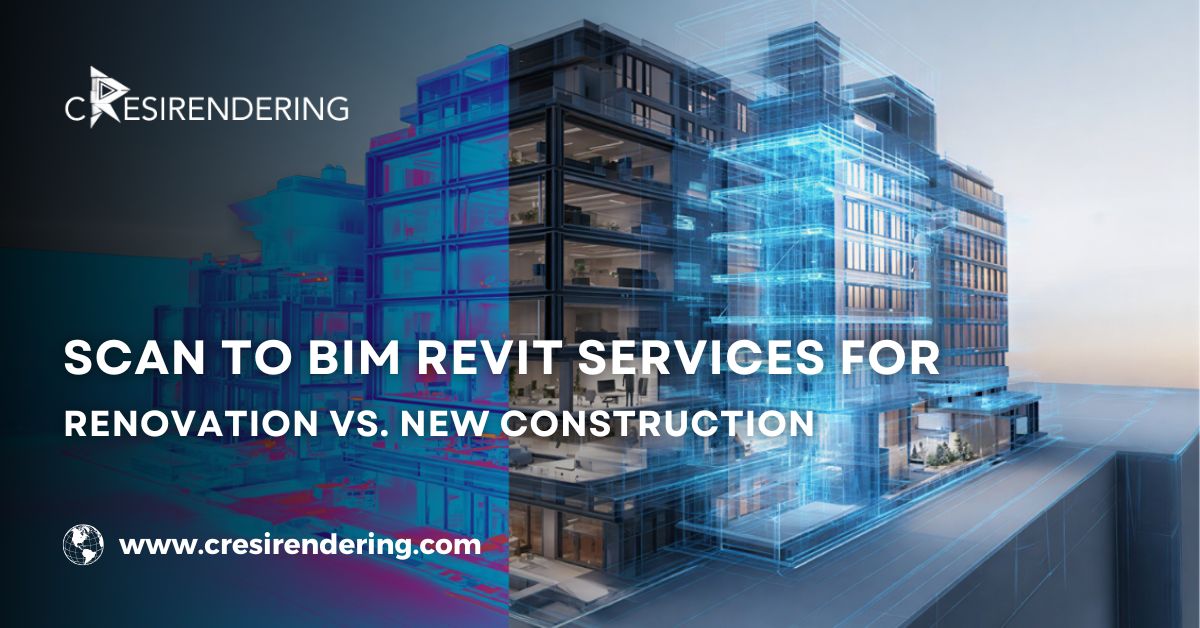
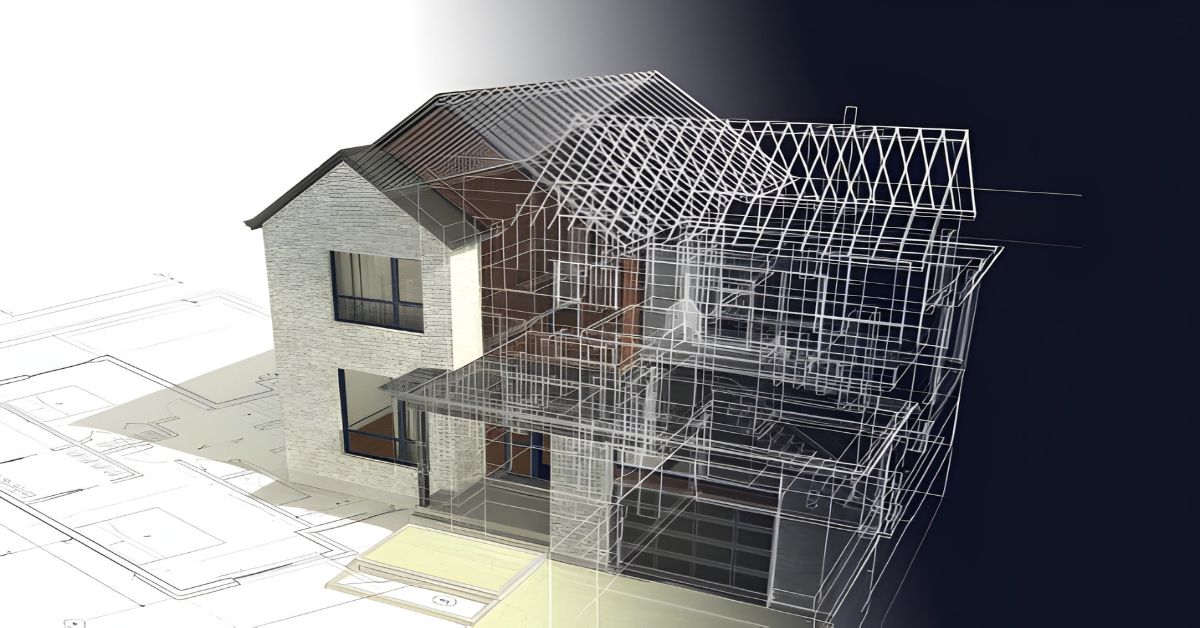
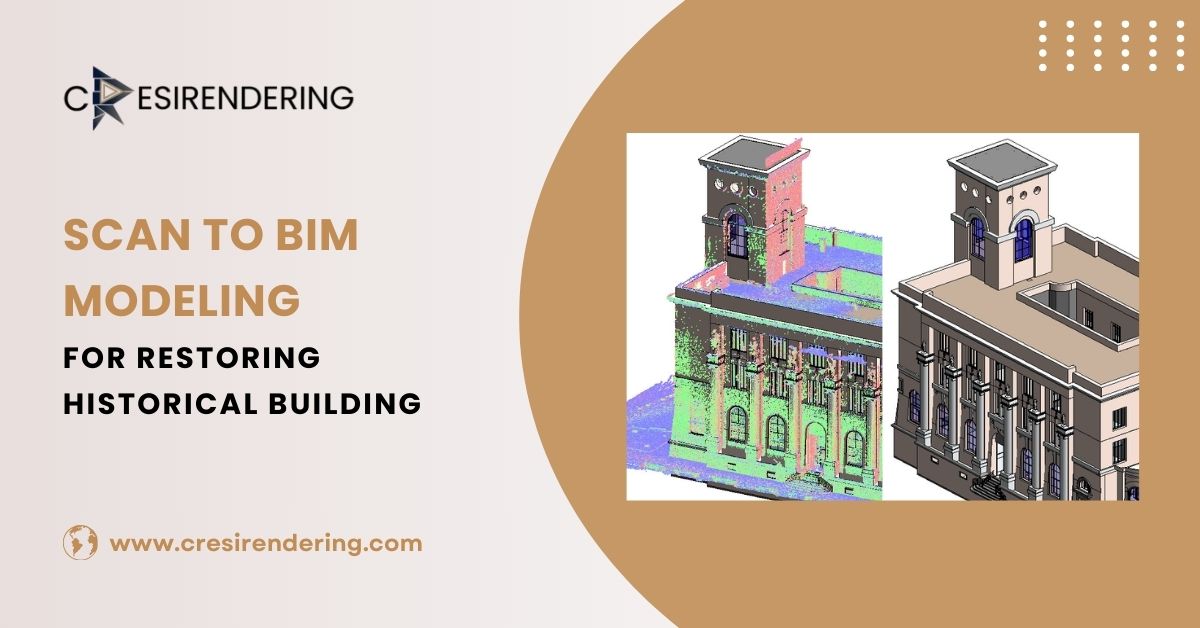
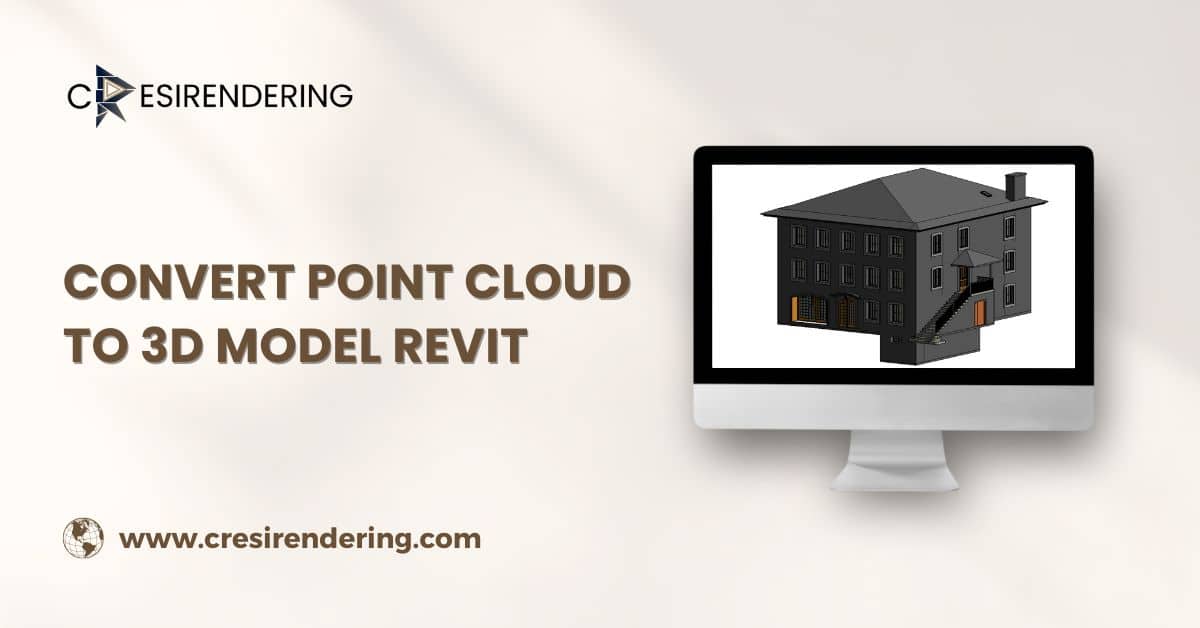
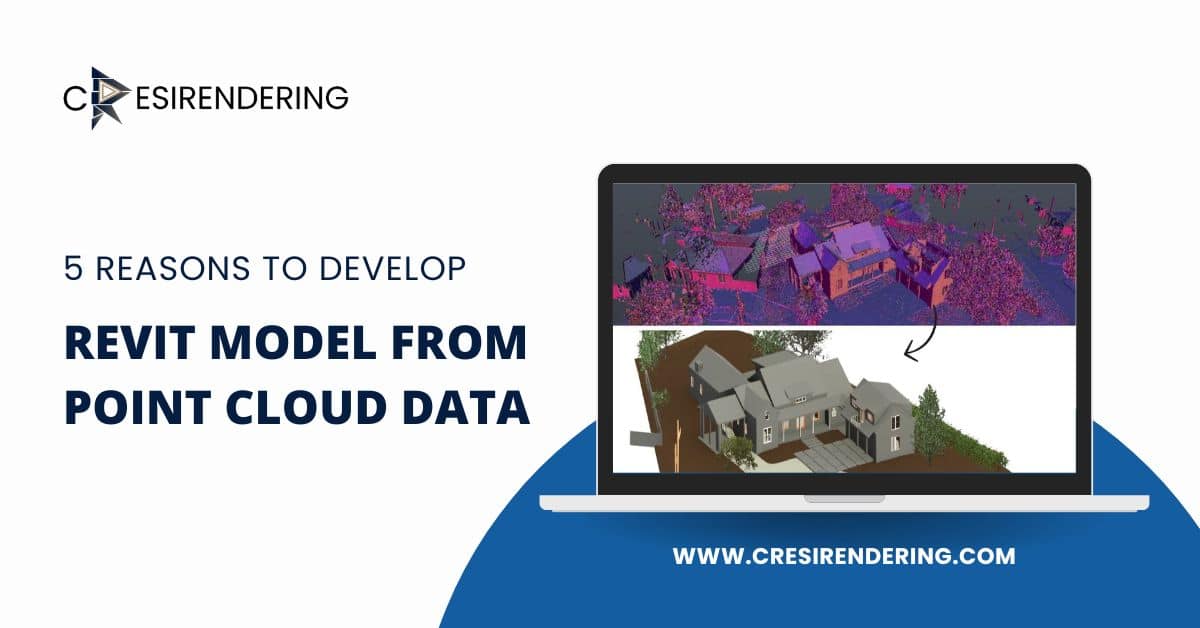
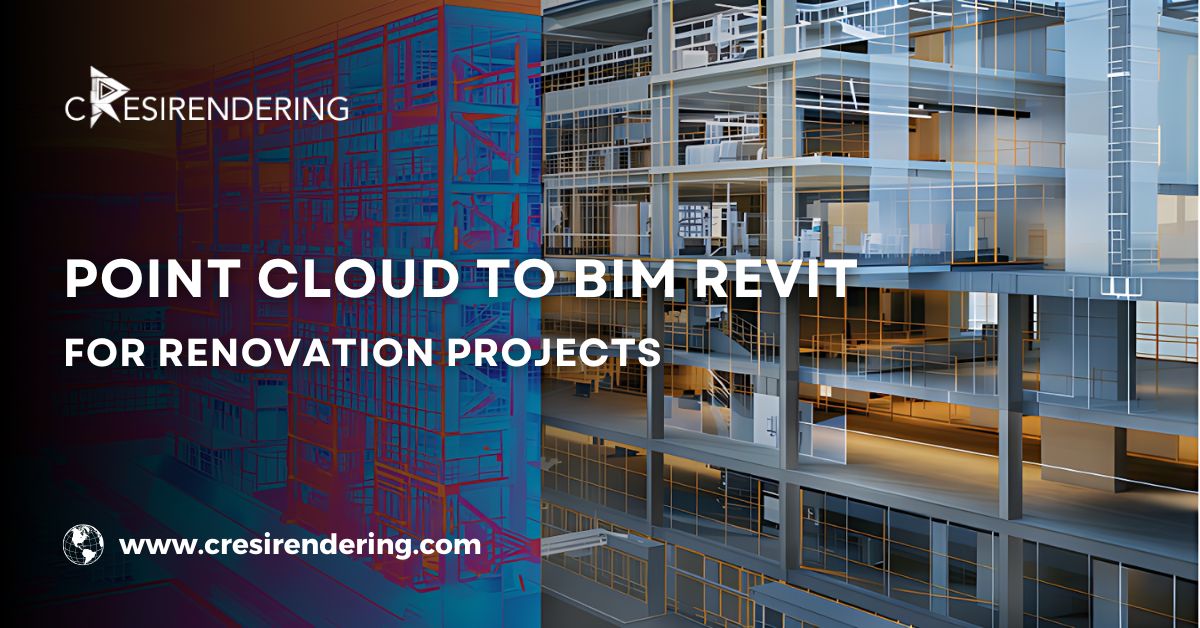
Point cloud scanning captures the building exactly as it stands today. Every column, every slab edge, every crooked wall. When that data is converted into a Revit model, you finally get a digital version of the real building, not the one someone thought existed.
And once you have that, everything changes. Designers stop arguing about dimensions. Engineers stop adding “assumed” notes. Contractors stop getting nasty surprises behind drywall.
You’re all looking at the same truth.
What You Actually Gain From Point Cloud to BIM in Revit
You stop relying on guesswork
Old drawings are helpful… sometimes. But they’re rarely complete. A Revit model built from point cloud data shows what’s really there. That alone saves hours of site visits and endless clarifications.
Design discussions get clearer
Instead of saying, “I think this duct can pass here,” teams can point at the model and say, “It fits. We’ve checked.” That confidence changes how meetings go.
Fewer shocks during demolition
Anyone who’s done renovation knows that moment — wall comes down, and surprise, there’s a pipe no one expected. Point cloud to BIM cuts down those moments. Not always to zero. But close enough to matter.
Rework drops, and so does stress
When the model matches reality, designs match reality too. That means fewer late changes, fewer angry calls, and fewer rushed fixes on site, and honestly? Less stress for everyone.
Best Practices That Make Point Cloud to BIM Actually Work
This part matters. Because scanning a building is easy. Getting real value from it takes some discipline.
1. Don’t rush the scanning stage
Bad scans lead to bad models. Simple as that. Make sure coverage is complete, especially in service-heavy areas like ceilings, shafts, and plant rooms.
2. Clean and align before modeling
Bring all scans together first. Register them properly. Remove noise. Set your base point right. If this step is sloppy, everything that follows will be too.
3. Set up Revit before you model
Levels, grids, coordinates- do this using the scan, not old drawings. It sounds boring, but it saves pain later when files get shared.
4. Model what matters, not everything
You don’t need to model every nut and bolt. Focus on elements that affect:
- Design decisions
- Clearances
- Structure
- MEP routing
The goal is usefulness, not decoration.
5. Keep checking against the scan
Good teams constantly compare the model with the point cloud. Not just at the end. Little checks along the way catch big mistakes early.
Where Point Cloud to Revit Shines in Renovation Projects?
This workflow is especially useful when:
- Buildings have poor or missing drawings
- Structures are old or modified many times
- MEP systems are dense and undocumented
- Projects involve major retrofits or change of use
Hospitals. Old offices. Heritage buildings. Industrial plants.
These are the places where point cloud to BIM Revit earns its keep.
Let’s be honest. Point cloud to BIM won’t magically fix every renovation problem. You’ll still face surprises. You’ll still debate design choices. That’s just part of the job.
But what it does give you is a solid starting point. A shared understanding. A model that reflects what’s really there, not what someone hopes is there, and that’s a big deal.
Conclusion
Renovation work is all about working with reality, not assumptions. When you turn point cloud data to Revit BIM model, you give your team a clear picture of the building before anyone starts cutting, drilling, or redesigning. It helps people ask better questions, make smarter choices, and avoid those “we didn’t see that coming” moments on site.
It’s not about fancy models. It’s about trust- trust in the data, trust in the design, and trust that what you’re planning actually fits the building you’re standing in.