Introduction
If you’ve worked on even a handful of AEC projects, you’ve probably faced this situation. Someone shares a set of drawings. Not DWGs. Not models. Just… PDFs.
Sometimes they’re scanned copies of old blueprints. Sometimes exported files with missing layers. Sometimes barely readable markups passed between teams over the years. And somehow, those drawings still end up forming the base of a new project.
It’s not ideal but it’s common. Across architecture, engineering, and construction, there’s still a surprising amount of legacy data locked inside PDFs. And when those drawings need to be reused, updated, or coordinated with new designs, teams often hit the same roadblock.
You can’t really work with a PDF the way you can with a CAD file. That’s where Convert PDF to CAD Drawing Services come into the picture.
Instead of manually redrawing everything from scratch, which, let’s be honest, is time-consuming and error-prone. These services help convert static PDFs into clean, editable CAD files. And once that happens, the entire workflow changes. Drawings become usable again. Coordination improves. Revisions get faster. It’s a small shift in process, but it tends to solve a very real problem.
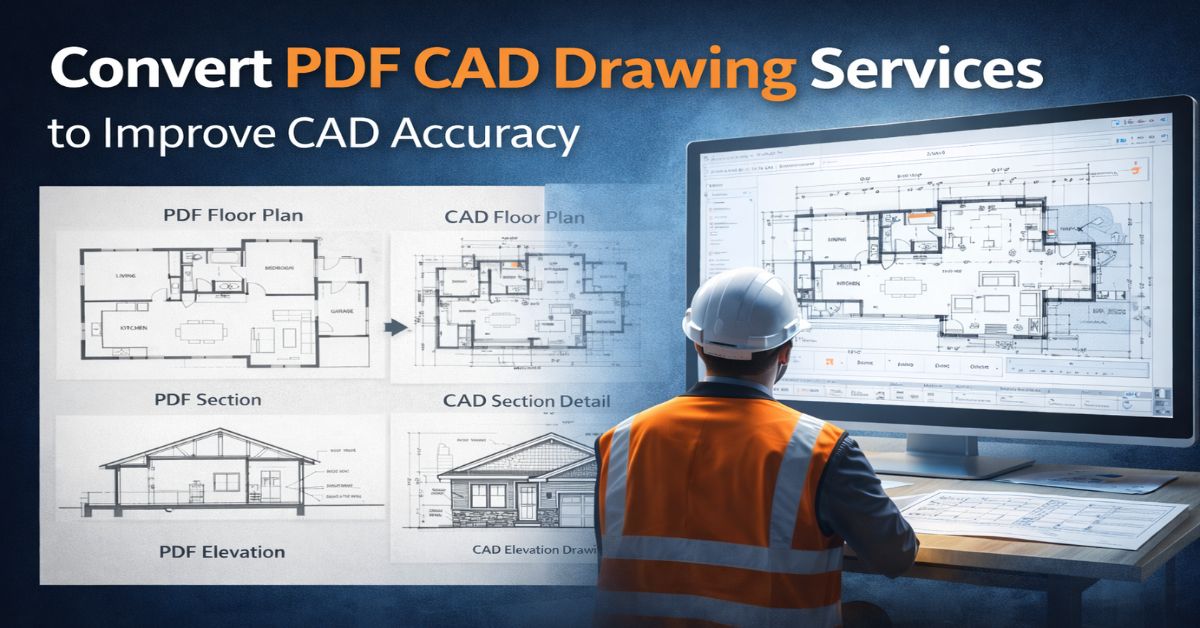
What Are PDF to CAD Drawing Conversion Services?
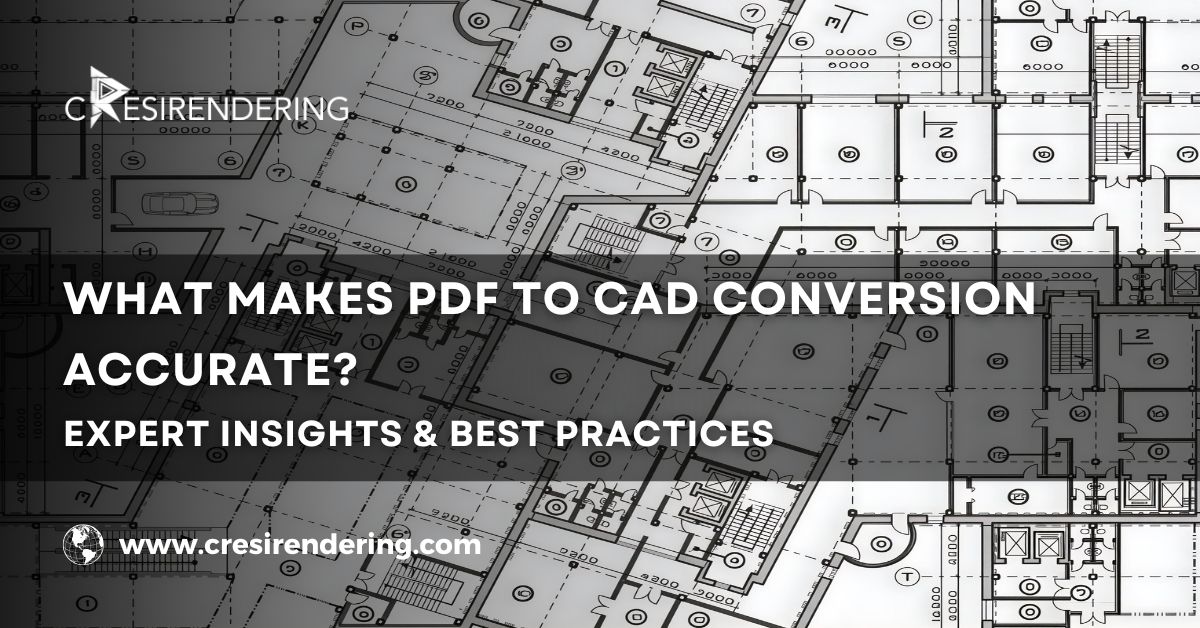
Essentially, the idea of PDF to CAD is about taking a document that is not easily editable by the engineer/designer and making it usable.
PDF files are of two types: vector PDFs, which are created by CAD software, and raster PDFs, which are created by scanning the drawings.
In some cases, vector PDFs may be converted into CAD files like DWG/DXF. In other cases, the PDF may need tracing, i.e., the design needs to be recreated with the same dimensions as the original design.
But here’s where professional Scan to CAD conversion services make a difference.
Instead of just converting lines, experienced teams rebuild the drawing properly:
- Layers are organized
- Dimensions are verified
- Geometry is cleaned
- Text and annotations are standardized
The result isn’t just a converted file. It’s a usable CAD drawing that fits into real project workflows.
Why Converting PDF to CAD Improves Drawing Accuracy
Eliminates Manual Redrawing Errors
Manual drafting from PDFs sounds straightforward, but it rarely is.
Scaling issues creep in. Lines don’t align perfectly. Small measurement errors accumulate. And before you know it, the drawing looks right—but isn’t actually accurate.
With proper PDF to DWG conversion, geometry is recreated carefully using precise references. This reduces the risk of inconsistencies that often appear in manual redrawing.
Maintains Proper Layers and Dimensions
One of the biggest limitations of PDFs is the lack of structure. Everything sits flat- no layers, no hierarchy, no separation between elements. In CAD, that structure matters.
Walls, grids, annotations, dimensions, all need to sit on defined layers. It’s what allows teams to coordinate effectively across disciplines.
When drawings are converted professionally, layers are rebuilt logically, and dimensions are placed accurately. That alone improves how teams interact with the drawings.
Enhances Editing and Reusability
Let’s say you receive a PDF drawing and need to revise a layout.
You have two options:
- Redraw everything
- Convert it into CAD and modify it
The second option is almost always faster. Once converted, the drawing becomes fully editable. Walls can shift. Text can update. Details can evolve without starting from scratch. Over time, this flexibility saves a significant amount of effort.
Key Benefits of Professional PDF to CAD Conversion Services
Faster Design Workflows
Drawings are already in a format familiar to engineers and architects. No need for tracing or rebuilding. Just open, edit, and go!
Higher Drafting Accuracy
Clean, vector-based drawings mean less room for misinterpretation.
There is less room for error, especially when it comes to dimensions or scaled elements. This, in turn, minimizes problems that could arise in the design or construction process itself.
Improved Collaboration
Standardized CAD drawings are easier to share.
Architects, engineers, and consultants all work better together when there are standardized file formats and layouts.
Cost and Time Savings
Redrawing takes time. Time, especially in a project environment, directly correlates to money.
With CAD drafting services for PDF conversion, drafting time is saved, as are the associated problems of rework.
Industries That Benefit from PDF to CAD Conversion
Several industries rely heavily on drawing accuracy—and many still deal with legacy documentation.
- Architecture firms often convert old plans into CAD before starting renovation projects.
- Structural engineering teams use CAD drawings for analysis and detailing.
- Construction companies depend on accurate drawings for execution and coordination.
- Manufacturing firms require precise technical drawings for fabrication.
In many cases, these workflows overlap with scan to CAD services, especially when dealing with older paper drawings or scanned archives.
PDF to CAD vs Manual CAD Drafting
Here’s a practical comparison most professionals can relate to:
|
Sr.
|
Feature
|
PDF to CAD Conversion
|
Manual Redrawing
|
|---|---|---|---|
|
1
|
Accuracy
|
High precision
|
Risk of human error
|
|
2
|
Speed
|
Fast turnaround
|
Time-consuming
|
|
3
|
Cost
|
More efficient
|
Higher effort cost
|
|
4
|
Editability
|
Fully editable
|
Requires rebuilding
|
Integrating PDF to CAD with BIM Workflows
- PDF to CAD conversion
- Scan to BIM conversion services
- 3D BIM modeling services
How to Choose the Right PDF to CAD Conversion Company
Not all conversion services deliver the same quality. A few things worth checking:
- Experience with CAD drafting standards
- Quality control processes (this matters more than most people think)
- Turnaround time for project deadlines
- Ability to support BIM workflows
- Understanding of AEC industry requirements
A good conversion partner doesn’t just deliver files, they deliver reliable drawings you can build from.
Why Accurate CAD Drawings Matter in Modern Projects
Accurate drawings don’t just look better. They influence the entire project lifecycle.
They help prevent construction errors.
They improve design coordination.
They support BIM-based workflows.
They enable digital twins and facility management systems.
In a way, good drawings reduce friction across the project. And in complex projects, reducing friction is everything.
Conclusion
PDF drawings have been around for years, and they are not going away anytime soon. However, relying solely on them without converting them into usable formats comes with clear limitations.
That’s where Convert PDF to CAD Drawing Services by Cresire Consulting comes in. They help architectural, engineering, and construction professionals transform static PDFs into accurate, editable, and highly functional CAD files.
This may seem like a small step, but it plays a crucial role in improving accuracy, efficiency, and collaboration. In the construction industry, where precision matters most, this is a change truly worth making.
Why Choose CresiRendering for PDF to CAD Services?
CresiRendering supports architects, engineers, contractors, and developers with reliable PDF to CAD conversion services designed for accurate and efficient project execution. Our expert team converts scanned drawings, blueprints, and PDF files into precise, editable CAD formats using industry-standard tools, ensuring clarity and usability at every stage.
We follow structured workflows with strict QA/QC checks to maintain high accuracy, layer management, and drafting standards. With scalable outsourcing support, global project experience, and faster turnaround times, CresiRendering helps clients reduce costs while delivering high-quality, detail-oriented CAD drawings.
FAQs
1. Why should companies convert PDF drawings into CAD files?
Because CAD files are editable, scalable, and much more precise for designing purposes than PDF files.
2. Can scanned PDF drawings be converted into CAD files?
Yes, scanned drawings can also be converted into CAD files by tracing them accurately, usually as part of a process called scan to CAD.
3. Which industries make use of PDF to CAD conversion services?
These services are usually employed by industries such as architecture, engineering, construction, manufacturing, and infrastructure.
4. What file types are usually used after conversion?
The file types used usually consist of DWG and/or DXF formats.
5. What are the advantages of converting legacy drawings?
Accuracy, updatability, and compatibility with modern tools are some of the advantages of converting legacy drawings.
6. How does PDF to CAD conversion improve documentation?
It organizes drawings into structured layers, dimensions, and annotations, making them easier to manage.
7. Can this help preserve old drawings?
Yes. Converting PDFs into CAD ensures older drawings remain usable and editable.
8. What challenges exist in PDF to CAD conversion?
Low-quality scans, missing dimensions, and unclear annotations can make conversion more complex.
9. Is it suitable for complex drawings?
Yes. Professional services can handle detailed engineering and technical drawings accurately.
10. How does it support construction planning?
Accurate CAD drawings help teams measure correctly, coordinate better, and avoid costly site errors